Stop chasing clients for documents.

Your team went to school for this, and they spend busy season asking clients for the same missing forms. We build the systems that chase documents, handle intake and keep billing moving. For accounting firms, CPA practices and tax preparers.

Find my blind spots
Jay AwalJay Awal · Founder and Systems Architect

Example: a client file is incomplete

Where a firm loses its best hours.

Two colleagues talking across a table in an office

Chasing client documents

Every return starts with reminders and half-finished uploads. A staff member tracks who sent what in a spreadsheet and sends the same email again and again.

Signatures that stall the file

The return is done and waiting on an 8879 or an engagement letter. Someone sends one more reminder and the file sits.

Not enough people for the season

You can’t hire enough qualified staff, so the same few people carry every deadline.

Everything waits on the partner

Every review, exception and difficult client lands on you. In busy season nobody else can answer the hard questions, so a day off isn’t an option.

Billing that lags

Invoices go out late because the work comes first, and then someone has to chase those too. Extra work outside the engagement often never gets billed.

Staff who leave after busy season

Keeping good people is as hard as finding them. Every departure puts more of the chasing on whoever stays.

Meet your document chaser.

It does the follow-up your staff should not have to do, and it only asks for what is missing. An example from busy season. Your firm approves every message and sets the schedule.

  1. Organizer sentThe client gets a personal list of what is needed this year, based on last year.
  2. Partly uploadedThe system sees two of five items are in and asks only for the three still missing.
  3. Client goes quietReminders keep going on your schedule. After the set number of tries, a person on your team gets a task to call.
  4. All inThe file moves to ready for prep. Your staff picks up complete work, and the client knows it arrived.

What chasing paperwork costs your firm this year.

Set it to match your business. Nothing is saved or sent. Sales and hours are counted separately.

A new lead hears back
Sales at risk from slow replies
$0
a year, estimated
Busywork that could run on its own0
What those paid hours cost you$0
Find my top 3 blind spots
How we calculate this

Sales at risk = leads a month × your close share × average value × 12 months × the share lost at your reply speed (0%, 30%, 55% or 70%, our planning assumptions). Busywork = 60% of your weekly hours at $35 an hour for 50 weeks. These are estimates, not promises.

Jay Awal, Founder and Systems Architect

Built by an owner, for owners.

Jay Awal has been the owner doing everything by hand at midnight. He started DispatchCo to build owner-run businesses the same kinds of systems his own businesses run on.

  • We run on it first. Jay's own businesses run on DM replies, follow-up and content systems like the ones on this page.
  • We teach it. 30+ stages, plus an AI build cohort for owners.
  • We show up. Every build starts hands-on with our team.

What we usually build first.

Document chasing

Personal checklists and reminders that only ask for what is still missing.

Signature reminders

E-sign requests for 8879s and engagement letters get reminders until they come back signed.

Billing follow-up

Invoices go out on time and overdue ones get a polite reminder.

Client intake

One clean path from new client to signed engagement letter, so your staff stop setting it up by hand.

Firms often run QuickBooks, Karbon, TaxDome or Canopy, plus a client portal. We check how your software connects before we quote, and we keep sensitive files inside the tools you already trust.

Who owns each job, before and after.

Your professionals keep the work that takes judgment.

The jobTodayAfter
Requesting documentsStaff, one email at a timePersonal checklist with automatic reminders
Tracking what is missingA spreadsheetStatus on every client file
Chasing 8879s and engagement lettersStaff, one reminder at a timeReminders until it comes back signed
Billing and overdue remindersPartner or admin, lateSent on schedule
New client intakeStaff, by emailOne path to a signed engagement letter
Review and sign-offYour professionalsYour professionals, always

The rules we build around.

Tax return information

Federal rules, including Section 7216, limit how return information can be used and shared. We keep it out of any tool your firm has not cleared.

Your security plan

Tax professionals need a written information security plan. New systems get reviewed against yours.

Work stays with professionals

The systems handle admin. Your people do the judgment work and sign the work.

Plan it. Build it. Teach it. Pick one or all three.

Every system comes with training for the people who run it.

Blueprint

Know what to build first and what it's worth.

For owners who want to know where AI pays off first.

  • Maps your season from organizer to invoice
  • Your AI org chart: your team plus the agents beside them
  • A ranked plan with the dollar value of each fix
Start with the audit

Credited toward your Deployment

Deployment

Your first system running in 30 days.

For owners who want it built and running.

  • Playbooks written first, then automated
  • Connects reminders, intake and status to your practice software
  • Your team trained to run it without you
Find my blind spots

Scoped from your Blind Spot Audit

Workshop

Your team builds its own agents on real work.

For teams that need to use AI every day.

  • In person, at your office
  • Your staff learn it on real client files, and it is cleared against your security plan
  • Scored before and again at 60 days
Start with the audit

Scoped from your Blind Spot Audit

No surprises. You see the full scope and price before any work starts.

Inside a real build.

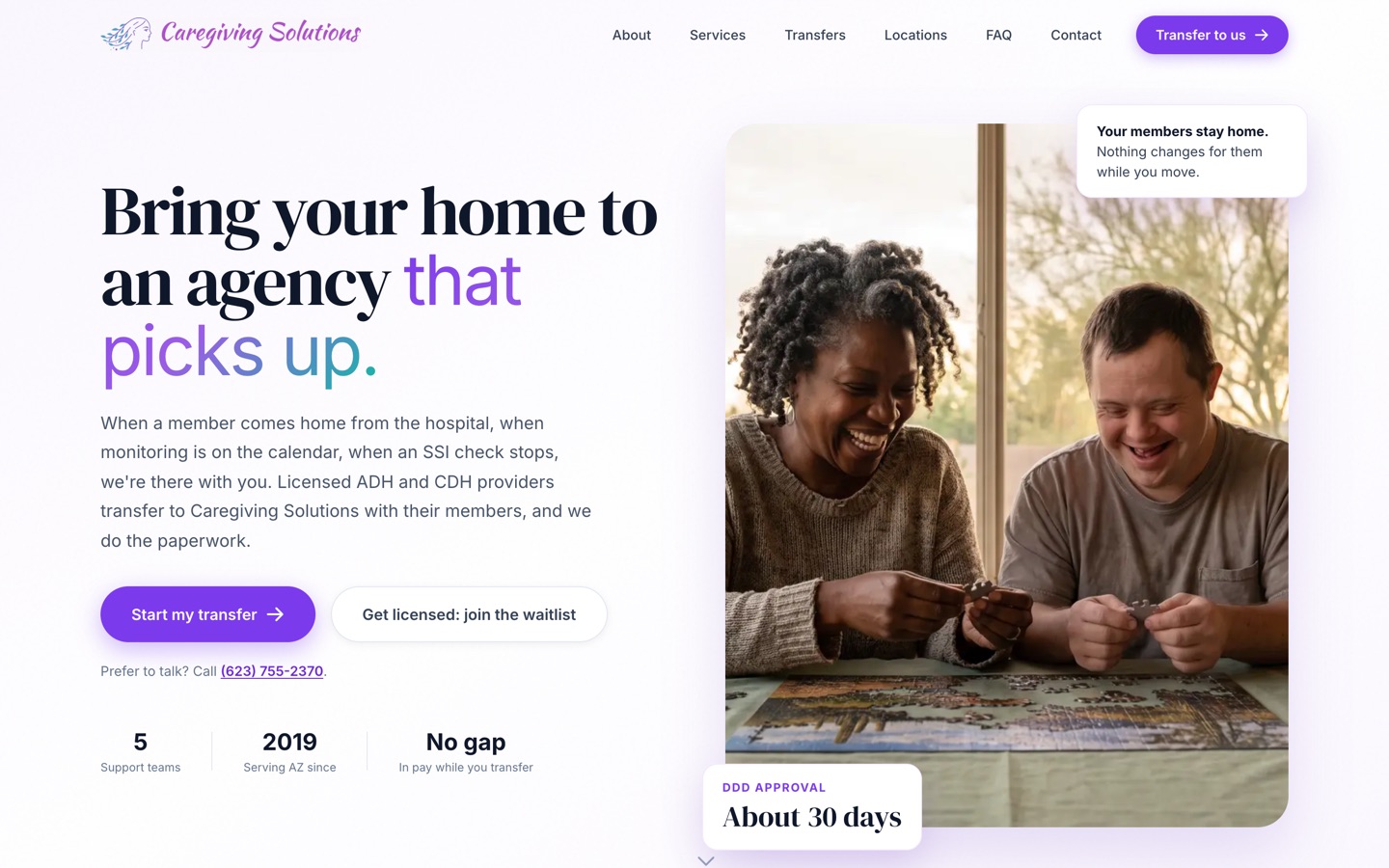
Our published case study is a care agency, not an accounting business. The problem was the same: work sat waiting for someone to send the next step. We moved their forms online and built a back end that sends it on its own. Licensing went from about 6 months to under 90 days, depending on the state agency.

See the Caregiving Solutions build
The current Caregiving Solutions homepage

Three steps. First system live in 30 days.

Today · 3 minutes

Take the Blind Spot Audit

10 questions. See your score and top 3 blind spots right away.

Start my audit
This week · 30 minutes

Walk through it with Jay

30 minutes on Zoom. We go over your report, check the numbers and agree on the first fix.

Day 30

We build it with your team

Biggest blind spot first, with your people trained to run it. The next system follows by day 90.

We don't start strong and disappear.

  • Every build starts hands-on with our team. We build alongside your people from week 1 to launch.
  • You hear from us every week. A 30-minute check-in for the length of the build.
  • You see the number. We time the jobs in week 1, both sign it, and time them again at day 90.
  • You keep everything. Every system, login and document stays yours. Stop anytime.

10 hours a week back by day 90, or we build one more system free.

For Deployment clients. The extra system is no bigger than the smallest one in your Deployment, and it's delivered within 30 days.

  • How we measure itIn week 1 we time the jobs we're automating with you, and we both sign that number. At day 90 we time them again the same way.
  • Your partThe week-1 timing, fast access and approvals, the weekly check-in, and running the work through the systems. Full terms are in the FAQ.

What a good busy season looks like.

Files arrive complete

Your team starts with work that is ready, not half a folder.

Signed and billed on time

Signatures come back and invoices go out without a partner asking.

Your people stay on real work

The chasing runs on its own, so the staff you have spend the season on returns.

Questions owners ask.

Is client financial data going into a public AI tool?

No. Most of what we build for firms is reminders, routing and status, which never needs the contents of a return. Where AI does touch client data, we walk you through the vendor and its terms first.

Can this be ready before busy season?

First systems go live in about 30 days, so timing matters. Start in the fall and your team can test it on year-end work before organizers go out in January.

Does this work for law firms or consultants?

The same problems show up in most professional services firms, including document chasing, intake and billing. Take the Blind Spot Audit and it will show where yours stands.

Will my clients actually use this?

Clients use what is simple. A short personal list and one secure link beats a long portal login, and reminders do the rest.

Can it draft client emails?

Yes, as drafts your team reviews. Routine updates can run on their own once you approve the wording.

I've been burned by a vendor before. Why is this different?

Every build starts hands-on with our team, and you get a 30-minute check-in every week for the length of the build. Everything is built in your own accounts. We time the jobs in week 1 and again at day 90, so you see the result in hours, and you can stop anytime and keep what's built.

What does it cost?

It depends on what we build, so we scope it from your Blind Spot Audit and a call. A 6-person shop and a 60-person company need different things. You see the full scope and price before any work starts.

Will my team actually use it?

We build it inside the software they already log into, write the playbooks with them and train them on their own real work. People use what they helped shape.

How much of my time does this take?

About 30 minutes a week to approve things and tell us what's off. You know your business, we know the build.

Am I locked in?

No. Blueprint, Deployment and Workshop are separate decisions. Stop after any of them and keep everything we made.

How does the 10-hour guarantee work?

It comes with every Deployment. In week 1 we time the jobs we're automating with you and we both sign that number. At day 90 we time them again the same way. If your team isn't saving 10 hours a week, we build one more system free, no bigger than the smallest one in your Deployment, within 30 days. It applies when you've done your part: the week-1 timing, access within 5 business days, the weekly check-in, playbook approvals within 3 business days, and running the work through the systems.


See what to take off your plate first. It takes 3 minutes.

The Blind Spot Audit shows where AI and systems would save you the most time and money. See your score and top 3 blind spots right away.

10 questionsResults right away

Find my blind spots10 questions · Results right away