Open chairs. Overdue patients.

Your recall list keeps growing, treatment plans sit unscheduled, and a morning cancellation leaves a chair empty. We build the systems that bring patients back and fill the gaps, connected to your practice software wherever it allows. Your front desk stays with the person in front of them.

Find my blind spots
Jay AwalJay Awal · Founder and Systems Architect

Example: an overdue patient gets a recall text

Where a dental schedule leaks.

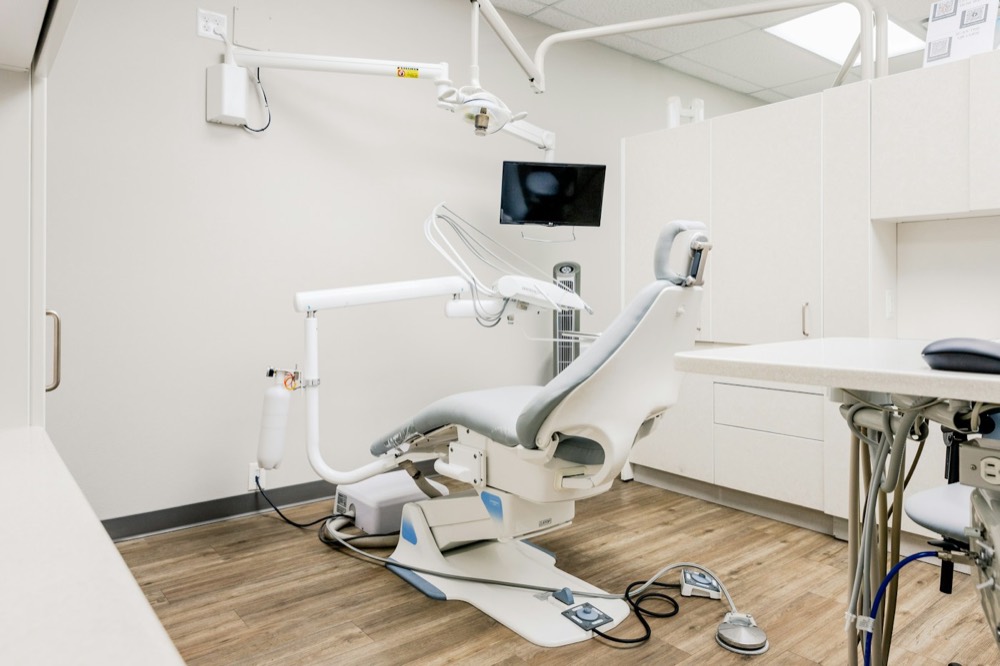
A clean, empty dental operatory with a patient chair

Overdue patients, open chairs

Patients who miss a recall rarely come back on their own, and their chair time sits empty. Working that list by phone almost never survives a busy week.

Treatment plans that stall

A patient says they will think about the crown. Nobody follows up, and the plan sits unscheduled for months.

Same-day cancellations

A chair opens at 10:00 and your front desk is checking people in. The ASAP list stays on a sticky note.

Balances that leave with the patient

Patients walk out without paying their share, and the balance sits in receivables until someone calls.

A front desk you can’t keep staffed

Front office roles are hard to fill and hard to keep, and every vacancy means calls and recalls that don’t happen.

New patient calls that go to voicemail

New patient calls go to voicemail while the desk checks people in, and that patient books with the next office.

Meet your recall coordinator.

It works the overdue list your front desk never has time to reach, fills open chairs and hands anything clinical to your team. An example of the first system most practices should look at. Your schedule rules and approved messages go in before it contacts anyone.

  1. Monday morningThe system finds patients past due for hygiene, using the rules your office set.
  2. Same morningEach one gets a short text in your office’s words with two open times.
  3. They replyThe patient picks a time and lands on the schedule. Anything clinical gets flagged for your team.
  4. Later that weekA chair opens at short notice and goes to overdue patients and your ASAP list first.

What open chairs, slow replies and busywork cost this year.

Set it to match your business. Nothing is saved or sent. Sales and hours are counted separately.

A new lead hears back
Sales at risk from slow replies
$0
a year, estimated
Busywork that could run on its own0
What those paid hours cost you$0
Find my top 3 blind spots
How we calculate this

Sales at risk = leads a month × your close share × average value × 12 months × the share lost at your reply speed (0%, 30%, 55% or 70%, our planning assumptions). Busywork = 60% of your weekly hours at $35 an hour for 50 weeks. These are estimates, not promises.

Jay Awal, Founder and Systems Architect

Built by an owner, for owners.

Jay Awal has been the owner doing everything by hand at midnight. He started DispatchCo to build owner-run businesses the same kinds of systems his own businesses run on.

  • We run on it first. Jay's own businesses run on DM replies, follow-up and content systems like the ones on this page.
  • We teach it. 30+ stages, plus an AI build cohort for owners.
  • We show up. Every build starts hands-on with our team.

What we usually build first.

Hygiene recall

Overdue patients hear from you at the right time, and can book by replying.

Short-notice fill

Cancelled times go out to your ASAP list and overdue patients before anyone works a list.

Unscheduled treatment follow-up

Open treatment plans get a gentle follow-up your office approved, then a person takes over.

Balances and intake

Balance reminders go out on schedule, and intake forms go out before the visit.

Practices often run Dentrix, Eaglesoft, Open Dental or Curve, with a messaging tool like Weave or NexHealth on top. How much can connect depends on your system and version, so we check yours before we quote.

Who owns each job, before and after.

Your front desk keeps the relationship. The list work moves.

The jobTodayAfter
Hygiene recallFront desk, when it is quietTimed outreach, book by reply
Filling cancellationsFront desk, from a sticky noteOffer goes to your ASAP list
Unscheduled treatmentTreatment coordinator, if there is timeAgent follows up, coordinator closes
Patient balancesFront desk, one call at a timeReminders sent on schedule
New patient requestsFront desk, between patientsQuick reply with open times
Clinical questionsLicensed staffLicensed staff, always

The rules we build around.

Patient information

Any vendor that touches protected health information needs a signed business associate agreement. We confirm that tool by tool before it goes near patient data.

No clinical advice

It sticks to scheduling and approved information. Pain, swelling and treatment questions go to your clinical team.

Your office approves the words

Every message sounds like your practice, and you or your office manager sign off before launch.

Plan it. Build it. Teach it. Pick one or all three.

Every system comes with training for the people who run it.

Blueprint

Know what to build first and what it's worth.

For owners who want to know where AI pays off first.

  • Maps recall, treatment follow-up and scheduling in your practice
  • Your AI org chart: your team plus the agents beside them
  • A ranked plan with the dollar value of each fix
Start with the audit

Credited toward your Deployment

Deployment

Your first system running in 30 days.

For owners who want it built and running.

  • Playbooks written first, then automated
  • Connects messaging and reminders to your practice software
  • Your team trained to run it without you
Find my blind spots

Scoped from your Blind Spot Audit

Workshop

Your team builds its own agents on real work.

For teams that need to use AI every day.

  • In person, at your office
  • Your front desk and coordinators learn it with real scenarios
  • Scored before and again at 60 days
Start with the audit

Scoped from your Blind Spot Audit

No surprises. You see the full scope and price before any work starts.

Inside a real build.

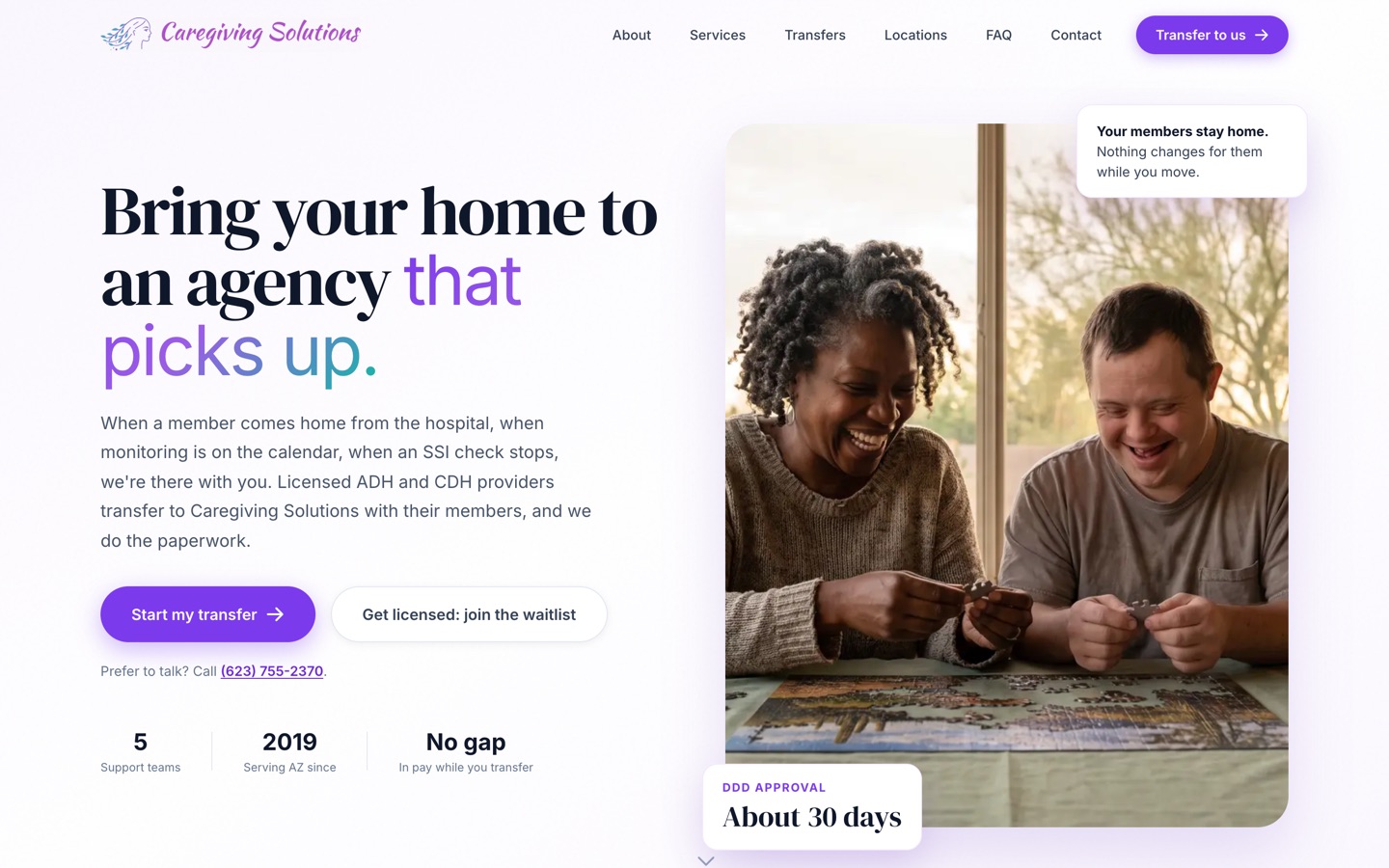
Our published case study is a care agency, not a dental business. The problem was the same: work sat waiting for someone to send the next step. We moved their forms online and built a back end that sends it on its own. Licensing went from about 6 months to under 90 days, depending on the state agency.

See the Caregiving Solutions build
The current Caregiving Solutions homepage

Three steps. First system live in 30 days.

Today · 3 minutes

Take the Blind Spot Audit

10 questions. See your score and top 3 blind spots right away.

Start my audit
This week · 30 minutes

Walk through it with Jay

30 minutes on Zoom. We go over your report, check the numbers and agree on the first fix.

Day 30

We build it with your team

Biggest blind spot first, with your people trained to run it. The next system follows by day 90.

We don't start strong and disappear.

  • Every build starts hands-on with our team. We build alongside your people from week 1 to launch.
  • You hear from us every week. A 30-minute check-in for the length of the build.
  • You see the number. We time the jobs in week 1, both sign it, and time them again at day 90.
  • You keep everything. Every system, login and document stays yours. Stop anytime.

10 hours a week back by day 90, or we build one more system free.

For Deployment clients. The extra system is no bigger than the smallest one in your Deployment, and it's delivered within 30 days.

  • How we measure itIn week 1 we time the jobs we're automating with you, and we both sign that number. At day 90 we time them again the same way.
  • Your partThe week-1 timing, fast access and approvals, the weekly check-in, and running the work through the systems. Full terms are in the FAQ.

What a good week looks like by day 90.

Recall gets worked

The overdue list shrinks and open chairs get offered without a block of phone time.

Treatment stays on the radar

You can see every open plan and what happens next.

Recall keeps going

Outreach runs on schedule, even on short-staffed days.

Questions owners ask.

Is this HIPAA compliant?

Compliance comes down to the setup, the vendors and your policies, so no firm can promise it with one word. We only use tools that will sign a business associate agreement for patient data, and we keep patient details out of anything that will not.

We already send reminders through Weave or our software. Why would we need this?

Reminders cover patients already on the schedule. The gaps are usually the ones who are not: overdue recalls, unscheduled treatment and short-notice openings.

Does it replace our front desk?

No. It takes the repeat outreach off their plate, so they can look up at the patient in front of them.

What if it gets something wrong?

It only does what your rules allow, and your team can see and change everything. We test against your real situations before it goes live, and we watch it closely in the first weeks.

Does it work with Dentrix or Eaglesoft?

It depends on your version and the access it allows. We check yours before quoting and tell you plainly what is and is not possible.

Can you do anything with our old list?

Often that is the fastest win, because those people already know you. We check what consent you have first. Where text consent is missing, we start with email.

I have paid vendors before and got nothing. Why is this different?

You own every system, login and document. You see the work at a weekly check-in, and you can stop anytime and keep what is built. Deployment clients also get a written guarantee, measured against a baseline we both sign in week 1.

What does it cost?

It depends on what we build, so we scope it from your Blind Spot Audit and a call. A 6-person shop and a 60-person company need different things. You see the full scope and price before any work starts.

Will my team actually use it?

We build it inside the software they already log into, write the playbooks with them and train them on their own real work. People use what they helped shape.

How much of my time does this take?

About 30 minutes a week to approve things and tell us what's off. You know your business, we know the build.

Am I locked in?

No. Blueprint, Deployment and Workshop are separate decisions. Stop after any of them and keep everything we made.

How does the 10-hour guarantee work?

It comes with every Deployment. In week 1 we time the jobs we're automating with you and we both sign that number. At day 90 we time them again the same way. If your team isn't saving 10 hours a week, we build one more system free, no bigger than the smallest one in your Deployment, within 30 days. It applies when you've done your part: the week-1 timing, access within 5 business days, the weekly check-in, playbook approvals within 3 business days, and running the work through the systems.

See what to take off your plate first. It takes 3 minutes.

The Blind Spot Audit shows where AI and systems would save you the most time and money. See your score and top 3 blind spots right away.

10 questionsResults right away

Find my blind spots10 questions · Results right away